TRUE CAD ALTERNATIVE_PMAX Ads_1200_628_EN_ RETURNING USERS-1

Stop overpaying for rigid CAD tools

Octave BricsCAD helps architects, engineers, and designers create, model, and document projects in one flexible platform — without forcing you into rigid workflows or expensive licensing models. 

CAD Tools Are Powerful But Restrictive

Many professionals face the same frustrations


CAD problems


✅  High licensing costs that scale poorly with teams 

Rigid workflows that don't adapt to how you actually work 

Separate tools for 2D drafting, 3D modeling, and BIM  

Difficult transitions between software environments  

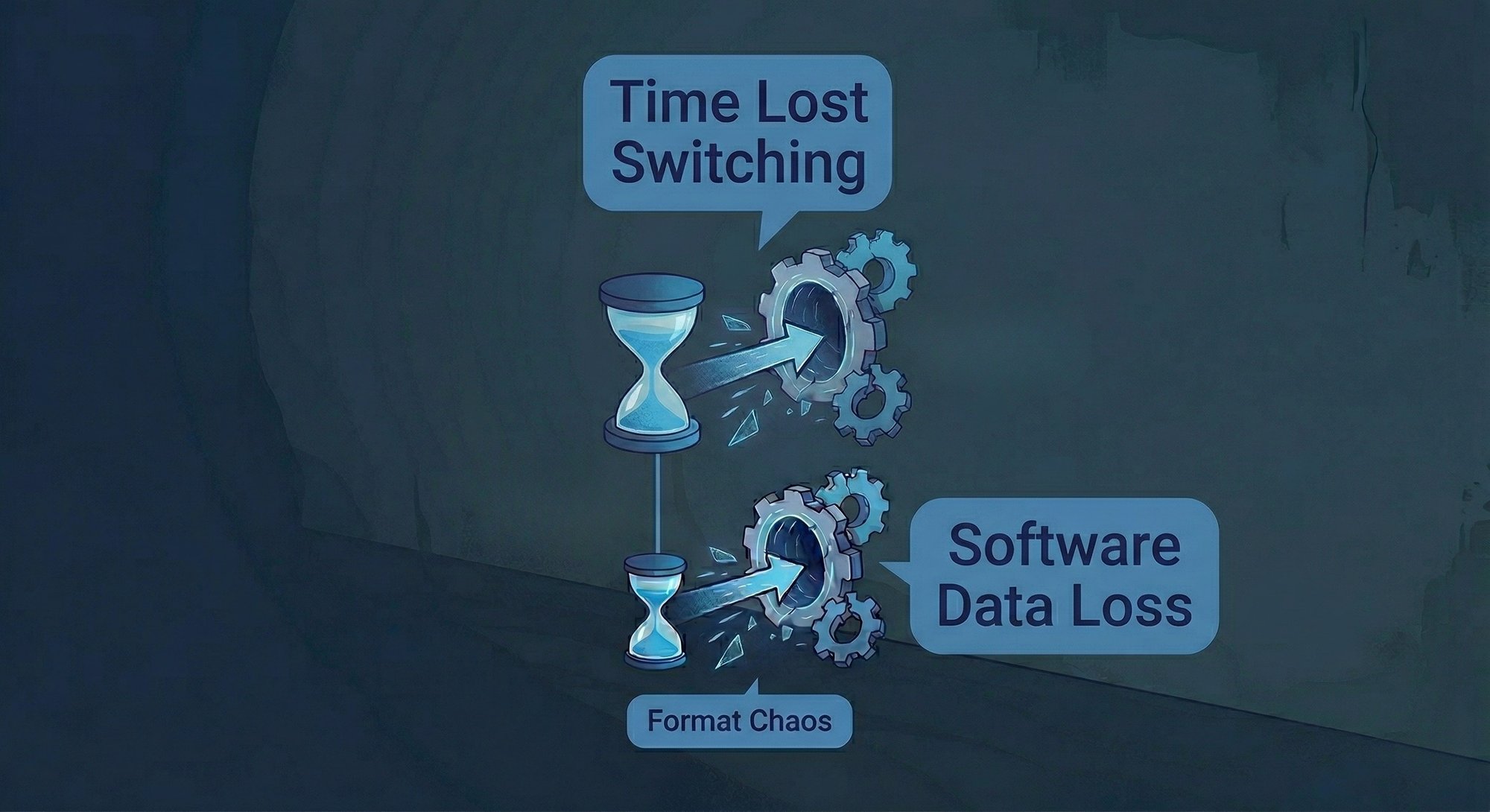
 Time lost switching between tools and formats  


Even experienced teams end up adapting to software

instead of software adapting to them.

Octave BricsCAD is One Flexible CAD Platform for Multiple Workflows


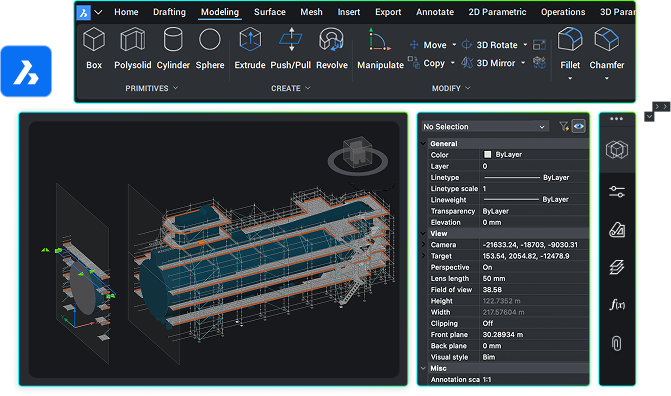
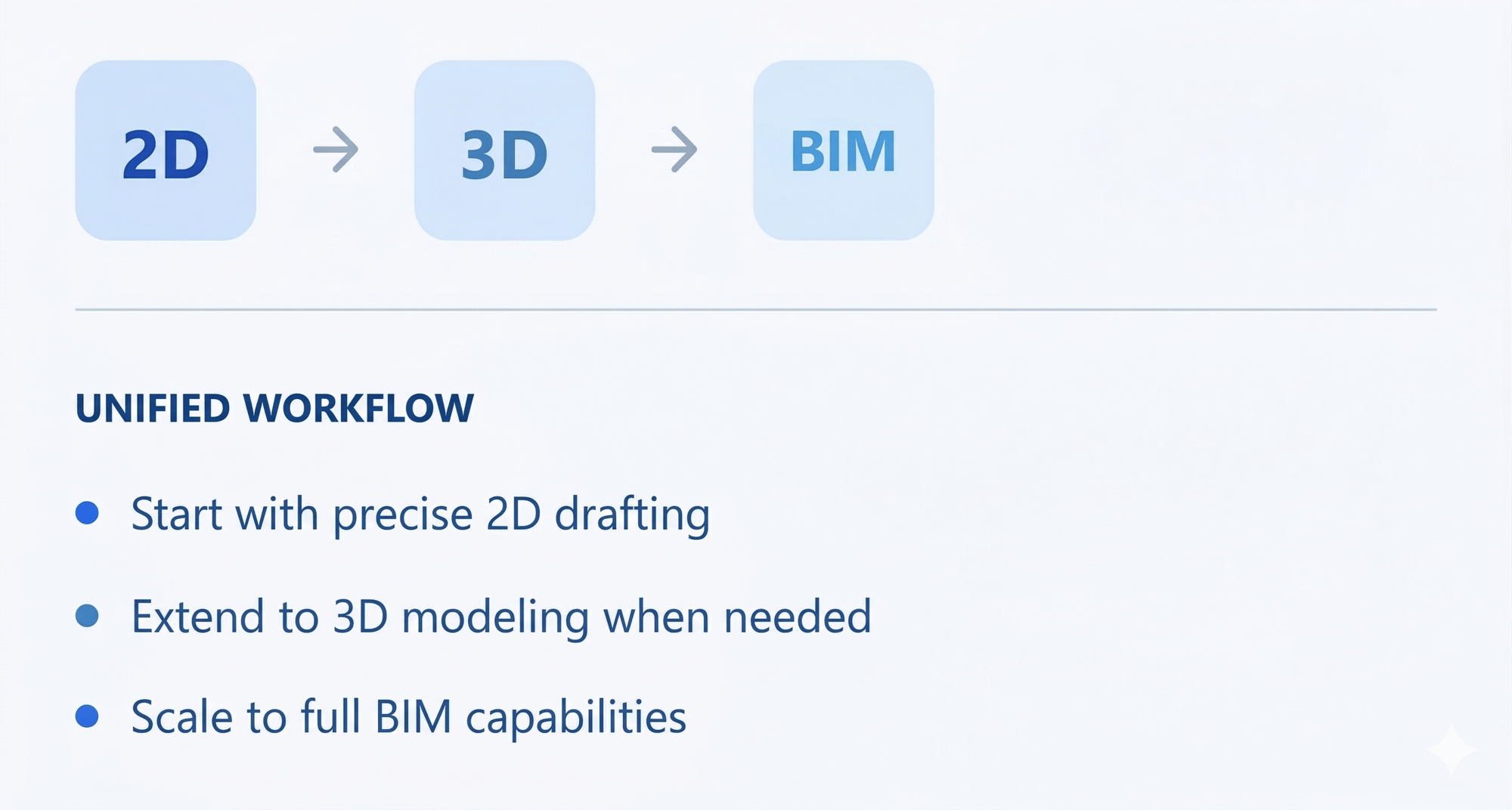
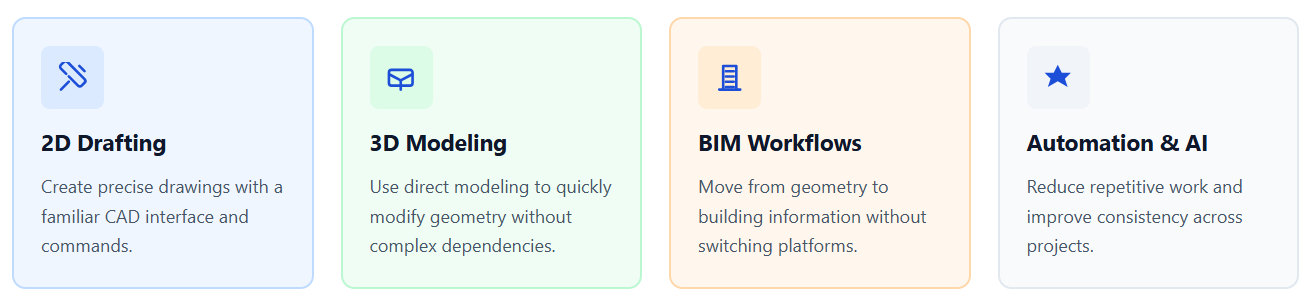
BricsCAD brings 2D drafting, 3D modeling, and BIM into a single environment.
 

Instead of forcing you to choose between tools, it allows you to:

✅ Work in familiar DWG format without conversion
Move seamlessly between 2D drafting and 3D modeling
✅ Use AI-assisted tools to automate repetitive tasks
Scale from simple drafting to advanced BIM workflows


This reduces friction, simplifies your stack, and gives you more control over how you design.

BricsCaD 2D 3D BIM  1

How Octave BricsCAD Supports Your Workflow

Bricscad Benefits

Who BricsCAD is Best For:

Architects Icon

Architects

Transition from 2D drafting to BIM at your own pace. Keep full control over design workflows.

Engineers Icon

Engineers

Work with precise geometry and flexible modeling tools. Reduce reliance on multiple software tools.

AEC Icon

Construction & AEC Teams

Align design and documentation workflows. Reduce inefficiencies between tools.

CAD Icon

CAD Users Switching from AutoCAD

Keep familiar commands and DWG compatibility. Reduce licensing costs without sacrificing capability.

BricsCAD is not just about features — it's about efficiency and control

 
 Group_76  Fewer tools needed across the workflow
 
Group_77  Faster transitions between design stages
 
Group_79   Reduced dependency on vendor ecosystems
 
Group_80  Lower cost over time and More functionality for less cost
 
042-hierarchy_1  More flexibility in how teams work


Home_main_img

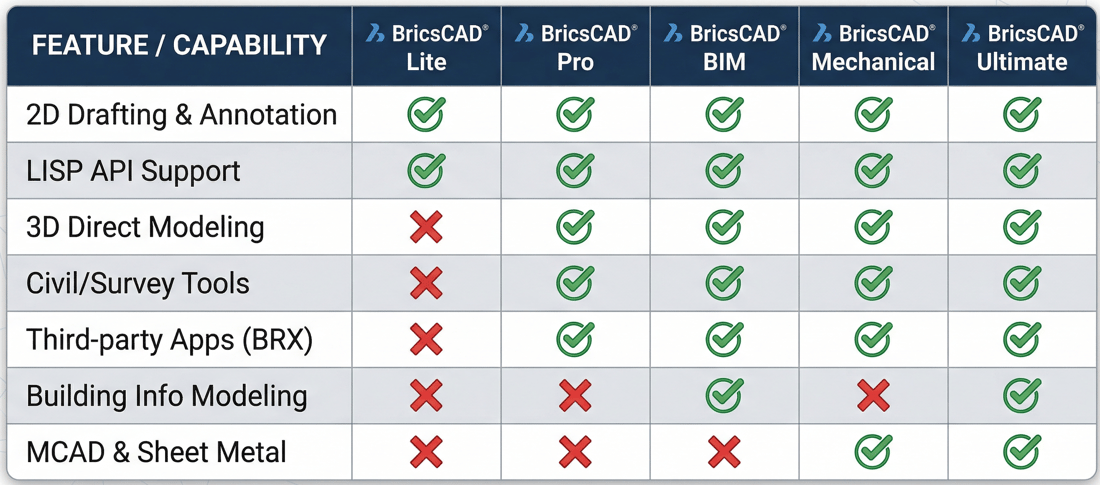
Choosing the right BricsCAD version:

Bricscad offers different levels depending on your needs:
Bricscad Plans 2

Why buy BricsCAD through AECO Space

 
 Why buy Icon 1  Guidance when switching from AutoCAD or other CAD tools
 
Why buy Icon 1  Workflow-focused consultation
 
Why buy Icon 2   Reduced dependency on vendor ecosystems
 
Why buy Icon 2  Experience across AEC disciplines
 
Why AECO

Learn Why it's Worth Switching to BricsCAD:

Customer Stories

How customers succeed with BricsCAD

Read customers stories on how they use BricsCAD.

“Adapting to BricsCAD was really easy. Within one week, we had made a full migration to BricsCAD: as if we had never changed our CAD platform at all.”

“BricsCAD allows us to do not only 2D drawing, but also 3D modeling. It's certainly one of the modeling software products that will play a role in expanding our business”

“The pressure is on the whole time, and BricsCAD gives us the speed and reassurance that we need to be successful.“

Case study

Do it all with BricsCAD

BricsCAD gives Prototyp the power to do 2D, 3D, mechanical design, and BIM within one CAD platform under flexible licensing terms.


Download the case study

Case study

Speed and reliability for complex designs

Discover how Stageco uses BricsCAD to quickly create stage designs for the world's largest music performances.


Download the case study

Case study

Smooth 2D and 3D design workflows

For a frictionless transition from 2D to 3D, see why Mazda uses BricsCAD for mass production design work.


Download the case study

Start your free trial

BricsCAD® Ultimate is yours
for free for 30 days.

The BricsCAD Ultimate trial includes all features of:

  Lite                Pro                BIM                Mechanical                Shape 

Bricsys