Breaking the Status Quo: The Financial and Operational Advantages of BricsCAD
Many businesses today are experiencing growing frustration with Autodesk, feeling burdened by dramatic increases in subscription costs and the mandatory bundling of unwanted features. Despite these issues, many organizations maintain the status quo due to the perceived risks and downtime associated with changing software.
However, BricsCAD emerges as the "true CAD alternative" by offering substantial financial benefits, with standard annual savings of up to 20% compared to AutoCAD.
The cost advantages are even more pronounced over time; for example, the cost of owning a BricsCAD perpetual license with maintenance for three years is less than the cost of a single year of an AutoCAD subscription.
Unlike AutoCAD, which forces users into a subscription-only, named-user model, BricsCAD is defined by its commitment to customer choice and flexible licensing.
Users can choose between single, network, perpetual (buying), and subscription (renting) options. This robust flexibility prevents expensive licensing traps and allows businesses to classify their software purchases as either Capital Expenditures (CapEx) or Operating Expenditures (OpEx) depending on their financial strategies.
Companies like Veris have leveraged this flexibility to save a massive 20% on their CAD software licenses, reinvesting those funds back into their operations.
Industry-standard formats
For teams fearing a difficult transition, BricsCAD eliminates the risk by operating natively on the industry-standard DWG file format, meaning no messy file conversions are necessary.
Your existing AutoCAD drawings open directly in BricsCAD, allowing you to seamlessly share data with suppliers and clients.
Furthermore, BricsCAD features a highly familiar user interface and is command-compatible with AutoCAD, allowing drafters to rely on their existing muscle memory.
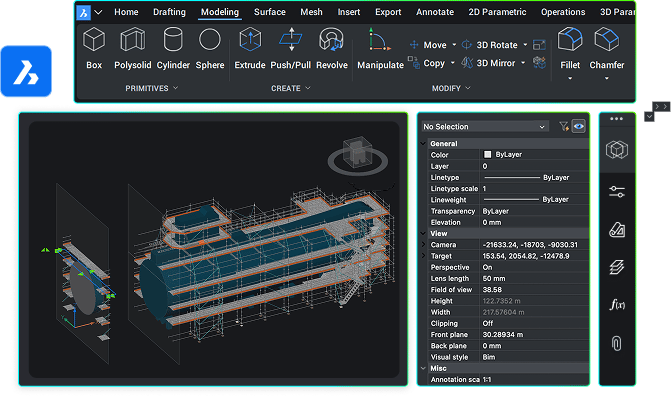
Because users can easily bring over their existing drawing templates, menus, and command scripts, the learning curve is nearly nonexistent; in fact, 9 out of 10 BricsCAD customers report being fully productive in a matter of days.
Thinking About Switching?
The biggest barrier isn’t technology — it’s uncertainty.
But here’s the reality:
- You don’t need to replace everything at once
- You can run a mixed CAD environment
- Migration is low risk and highly manageable
You don’t have to accept rising costs and rigid systems as the norm.
BricsCAD gives you the same power — with more flexibility, lower cost, and better control.
👉 Explore more: https://www.aeco.space/en/bricscad
Related resources
If you consider switching to BricsCAD, you may also find these articles useful: