Why software choices matter
Choosing design software is no longer a simple question of features.
For architects, interior designers, and studios, the real challenge is understanding which tools fit which workflows, how licensing actually works in practice, and how software choices affect performance, collaboration, and long-term scalability.
Keeping track of software changes is essential when evaluating tools and subscriptions. The What’s New in SketchUp & Design Software guide consolidates major updates across SketchUp, Twinmotion, and V-Ray into a single timeline, helping you understand how features, workflows, and collaboration tools have evolved — and which updates actually impact professional practice.
This page brings together practical guidance drawn from real questions designers ask every day—about versions, plans, integrations, and setup—so decisions are made with clarity instead of assumptions.
Choosing the right SketchUp version for your work
One of the most common sources of confusion is the difference between available SketchUp plans and what they actually enable in day-to-day work.
For example, comparing SketchUp Pro vs SketchUp Studio is less about “more features” and more about workflow depth. Studio is built for practices that rely on advanced interoperability, scanning, and professional visualization, while Pro remains suitable for core modeling and documentation needs.
A similar misunderstanding appears when people evaluate SketchUp Pro vs Free. The free version may work for basic exploration, but it quickly becomes limiting once projects require structured documentation, collaboration, or professional output.
The goal is not to choose the “best” version—but the one aligned with how you actually design, communicate, and deliver projects.

Understanding SketchUp licensing in real terms
Licensing questions are rarely about price alone. They are about access, flexibility, and friction.
Many of the issues addressed in SketchUp Licensing: All the Questions Answered stem from uncertainty around subscription models, user access, renewals, and how licenses behave across devices and teams.
For studios especially, licensing decisions influence onboarding speed, collaboration, and long-term cost predictability. Understanding these mechanics upfront prevents workflow interruptions later.

Installation, onboarding, and first-day productivity
Even the best tools lose value if setup becomes a bottleneck.
Articles like SketchUp PRO – the Super Fast Installation Guide exist because installation and activation are often underestimated pain points—especially in studio environments where multiple machines and users are involved.
A smooth setup process ensures designers spend their first hours designing, not troubleshooting, and reduces the support overhead inside teams.
Working inside the SketchUp ecosystem
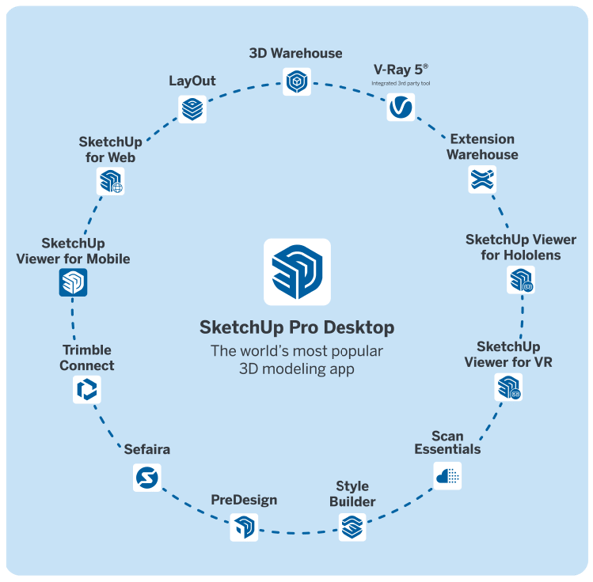
SketchUp rarely exists in isolation. Its real strength comes from how it connects with other tools.
For visualization-heavy workflows, V-Ray 5 in SketchUp Studio illustrates how rendering integrates directly into the modeling environment instead of becoming a detached step at the end of the process.
For broader project contexts, understanding how SketchUp fits into an architectural workflow helps teams position it correctly alongside BIM tools, visualization software, and documentation platforms—without forcing it to do what it was never meant to do.
Mobility also plays a growing role. SketchUp for iPad reflects a shift toward flexible, on-site, and early-stage design exploration, where ideas move fluidly between devices instead of being locked to the desktop.
Hardware and performance considerations
Software decisions are inseparable from hardware realities.
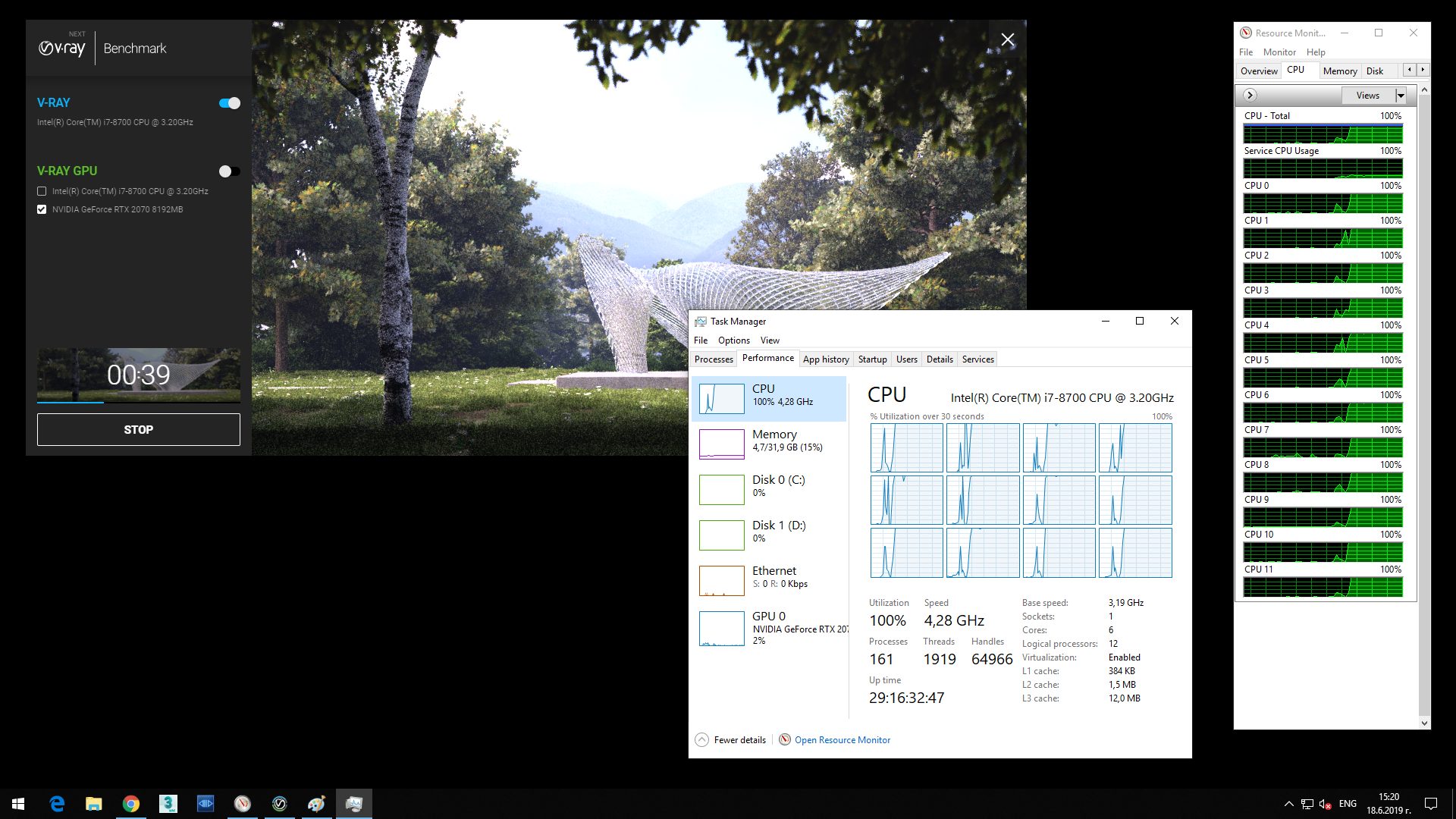
Performance discussions—such as those explored in No hyperthreading vs hyperthreading testing—highlight when hardware choices actually matter, and when they do not. Not every slowdown is a software issue, and not every hardware upgrade leads to meaningful gains.
Understanding these relationships helps studios invest intelligently instead of reactively.
From tools to workflows
Ultimately, the value of any design software lies in how well it supports real projects.
Guides like Integrating SketchUp in Your Architectural Workflow focus on aligning tools with process—so modeling, visualization, documentation, and communication reinforce each other instead of competing for time.
When tools are chosen with workflow intent, teams move faster, decisions become clearer, and complexity becomes manageable rather than overwhelming.
How this connects to the rest of the knowledge base
This guide is designed to sit between learning and practice:
Together, these sections form a complete path—from learning, to choosing, to applying tools at scale.