interior visualization
How to Make Interior Design Materials Look Realistic
How interior designers make materials look realistic in 3D by controlling scale, orientation, depth, and surface behavior.
Learn why interior design presentations fail and how better visuals, lighting, materials, and context help clients understand and approve designs.
Presenting interior design ideas to clients is rarely about explaining square meters, materials, or layouts. It is about helping clients understand a space they cannot yet experience.
Most client hesitation does not come from disagreement with the concept itself, but from uncertainty. When visuals fail to communicate atmosphere, scale, or material quality, clients struggle to imagine the final result. Approval slows down, discussions become subjective, and confidence drops—even when the design is strong.
This page explains why client communication breaks down during visual presentations and how interior designers can address these challenges through clearer, more convincing visual workflows.
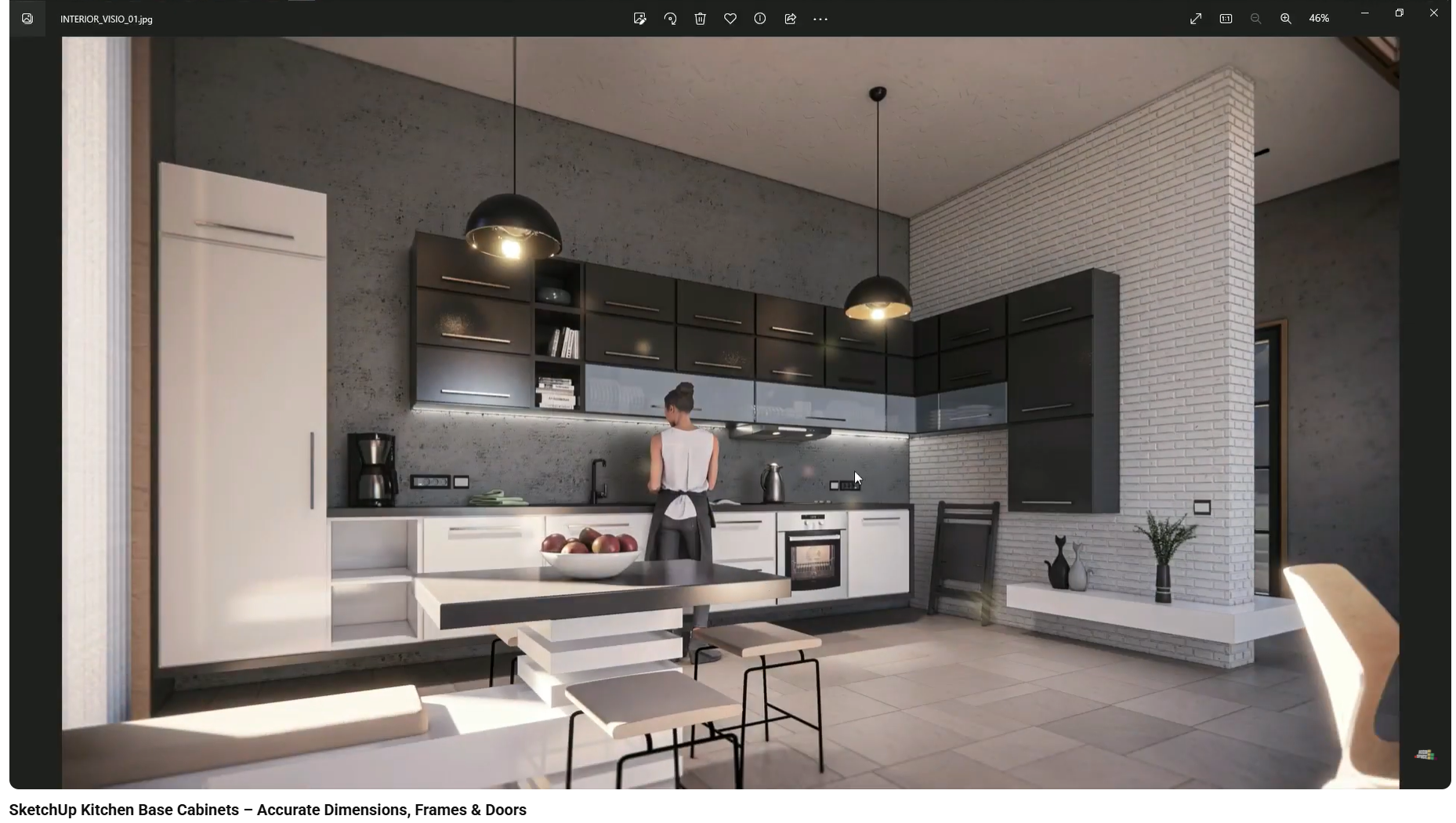
Clients do not read drawings the way designers do. They judge projects primarily through images—renders, perspectives, and visual narratives.
When visuals feel unclear or unconvincing, clients may misinterpret design intent, underestimate material quality, or struggle to imagine real-life use. Strong visual communication is not about adding more detail; it is about presenting the right information clearly and consistently.
One of the most common reasons presentations fail is flatness. Renders may be technically correct, but they lack surface behavior, depth, or environmental variation. As a result, the space feels artificial and emotionally distant—a problem explored in Why Your Interior Renders Look Flat (And How to Fix Them).
Flatness is rarely caused by missing geometry. It usually comes from how materials interact with light and how much contextual information the image contains.
Lighting shapes how clients perceive space more than any other single factor. Uniform or poorly oriented light removes contrast and flattens surfaces, while harsh shadows exaggerate the artificial nature of the image.
Treating lighting as a communication tool—adjusted per view and per scenario—helps guide attention and establish mood, as explained in Using Lighting to Win the Client in Design Presentations.
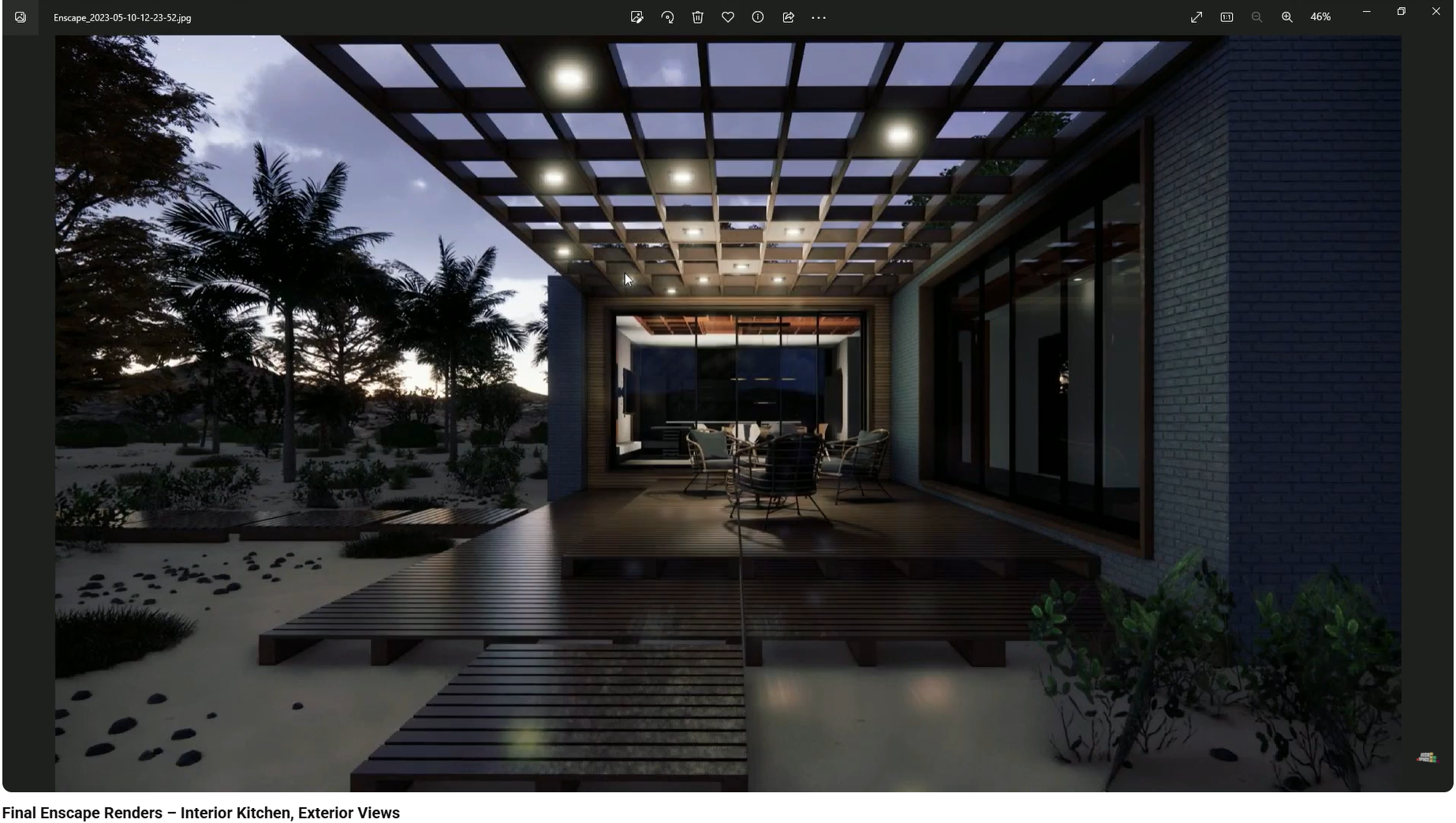
Even well-lit scenes can feel cold or sterile when atmosphere is ignored. Weather, season, sky conditions, and visual presets influence how clients emotionally read a space.
Designs begin to feel lived-in when atmosphere supports the narrative, rather than default settings—a topic discussed in Creating Atmosphere with Render Presets, Weather and Seasons.
Clients rarely experience spaces in a single moment. They want to know how a room feels during the day, at night, in winter, or under artificial lighting.
Presenting multiple scenarios allows clients to build a complete mental picture of the design, which is why contrasting conditions are so effective in presentations, as shown in The Power of Day vs Night Scenarios in Client Presentations.
Clients judge quality visually before they ever touch a surface. When materials look flat, repetitive, or incorrectly scaled, perceived value drops immediately.
Incorrect texture behavior, reflection, or surface depth often makes materials feel cheap or synthetic—issues examined in Why Interior Design Materials Look Fake in 3D. Addressing these visual cues restores credibility and realism, as detailed further in How to Make Interior Design Materials Look Realistic.
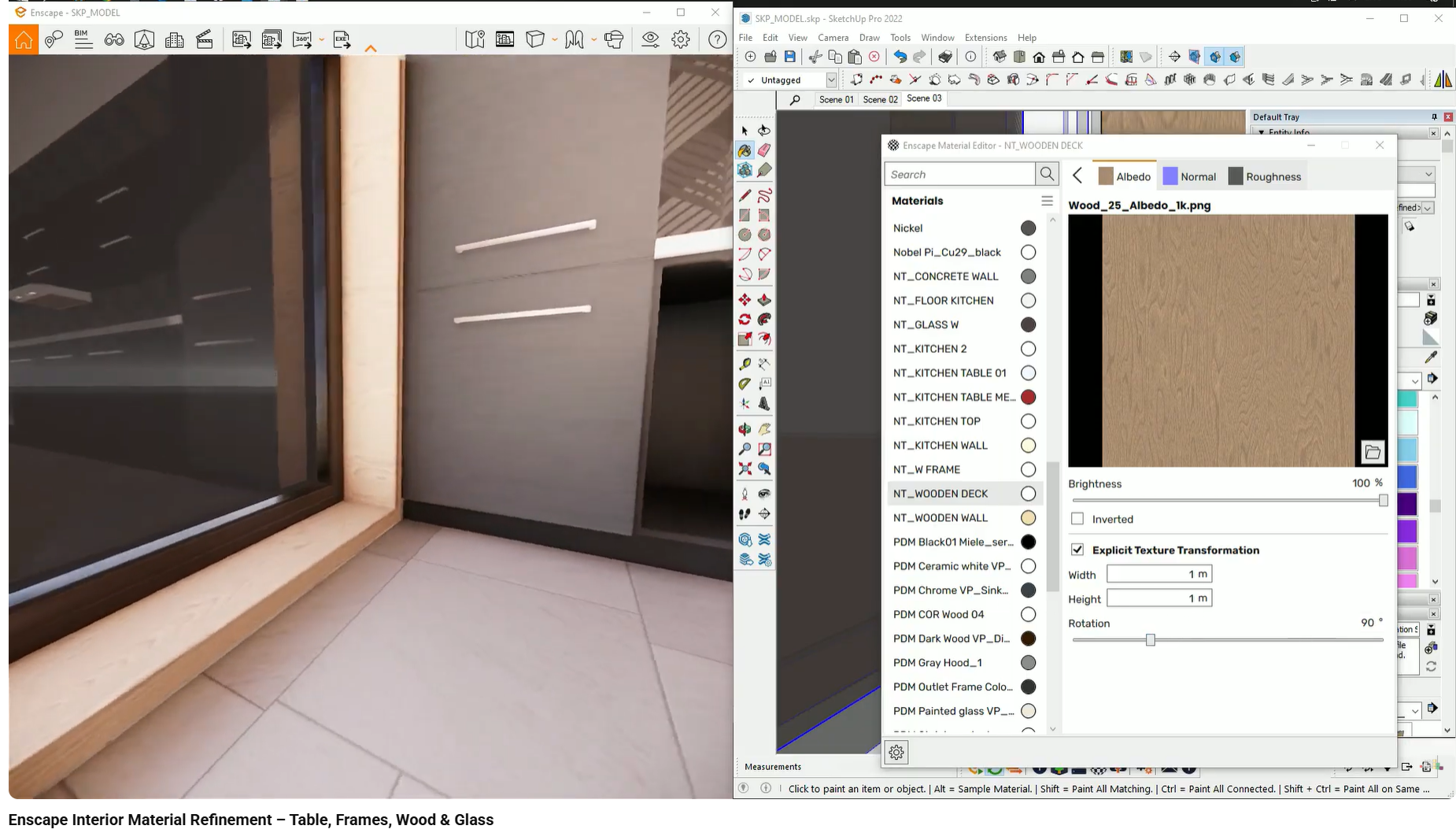
Clients subconsciously evaluate the entire project through a few key spaces. Kitchens, more than any other area, become the benchmark for realism, quality, and functionality.
When kitchens feel resolved and believable, confidence spreads to the rest of the project—a pattern explored in Why Kitchen Design Makes or Breaks Client Approval.
Small construction details strongly influence whether a design feels premium or generic. Gaps, proportions, and alignment in joinery communicate care—or the lack of it.
Detailed, realistic joinery improves client confidence by signaling buildability and craftsmanship, a relationship discussed in How Detailed Joinery Improves Client Confidence.
Designs do not exist in isolation. Empty surroundings, flat horizons, or generic environments disconnect the interior from reality.
Adding environmental context helps clients understand scale, orientation, and lifestyle implications—a challenge addressed in Why Interior Renders Look Empty or Unrealistic and further expanded in How Environmental Context Improves Client Understanding.
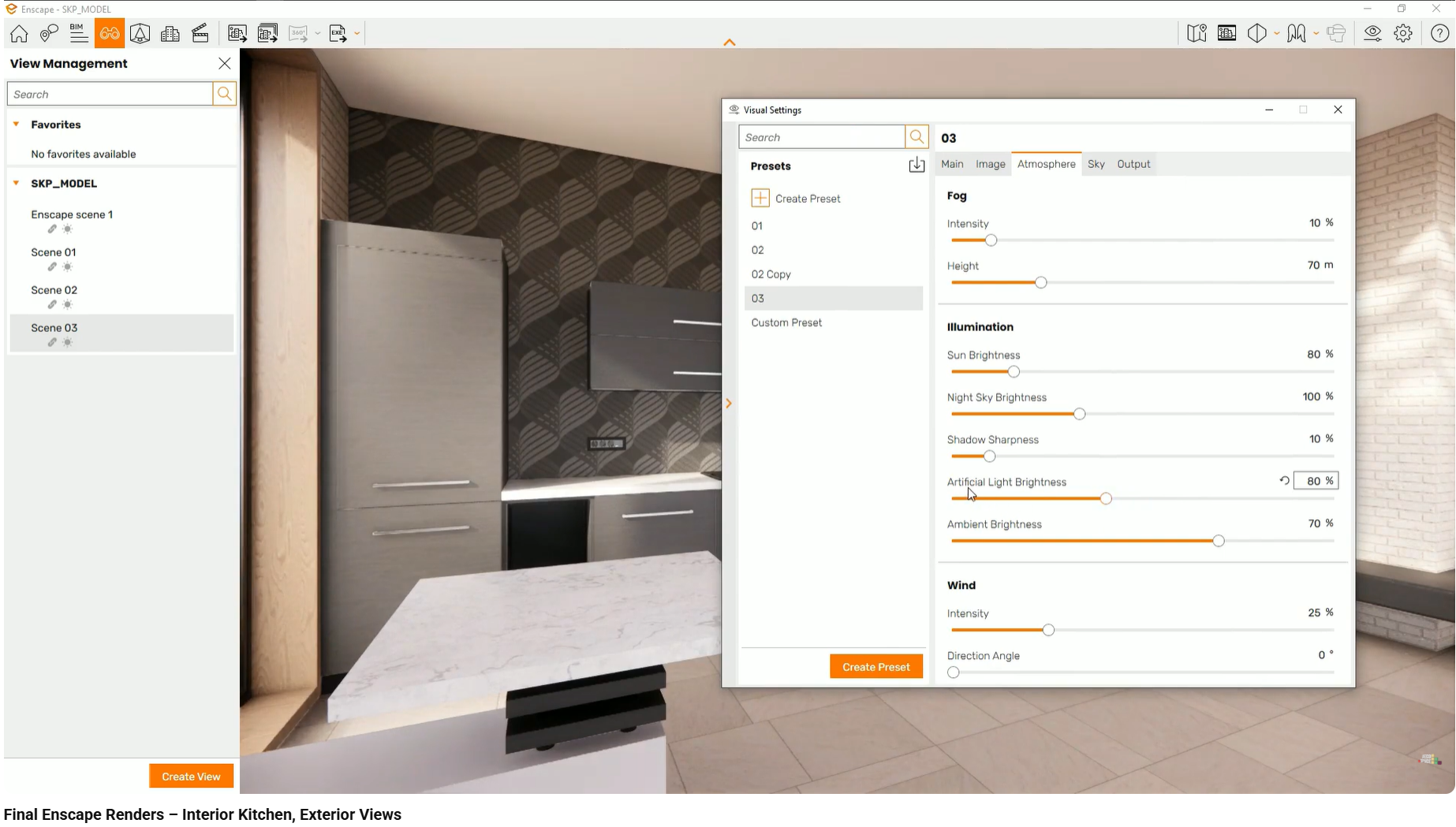
Many presentation problems are not caused by bad design, but by predictable visualization mistakes. When visuals confuse rather than clarify, clients lose trust—even if the concept is sound.
Recognizing and avoiding these issues early improves communication and speeds up decision-making, as outlined in Common Visualization Mistakes That Confuse Clients.
High-end materials are difficult to justify when their qualities are not visually communicated. Clients hesitate when value is implied rather than shown.
Clear visual representation makes premium choices easier to understand and approve, especially when explained through structured visualization, as discussed in How to Present High-End Materials to Clients Using 3D.
These client communication challenges are addressed in practice through structured visualization workflows. The interior design visualization course demonstrates how modeling, lighting, materials, and context work together to improve clarity and confidence during client presentations, using real projects in SketchUp, Enscape, and Twinmotion.
This page focuses on client communication through visual presentation. Topics such as construction documentation, budgeting, and execution workflows are covered separately.
How interior designers make materials look realistic in 3D by controlling scale, orientation, depth, and surface behavior.
Why interior design materials often look fake in 3D renders and how scale, orientation, and depth affect realism.
Why construction-level joinery detail in 3D models increases client trust and confidence in interior design projects.